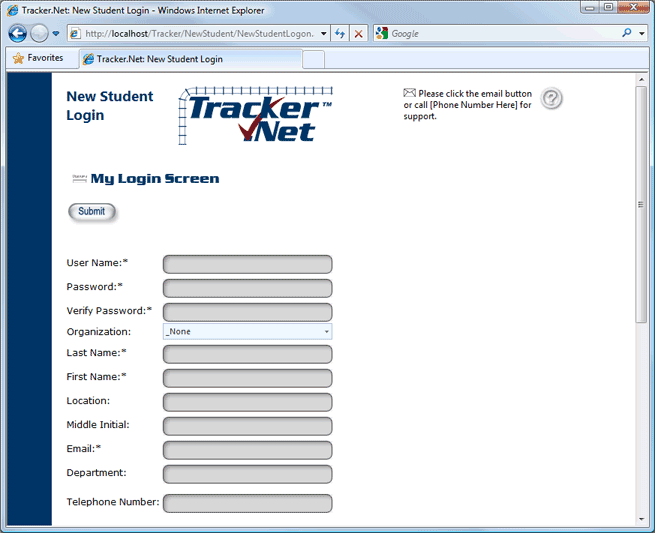
Use the New Student Login screen to add yourself to the training system.
The information you're asked to enter will depend on your training program.
The fields marked with an asterisk ("*") are required, so you cannot login without filling these in. The fields without an asterisk are optional.
Any red messages to the right of the entry fields mean that you have an incorrect format. In that case, follow the instructions to properly format your entry. Items in green are in the correct format.
When you have filled in the fields shown on your screen, click the Submit button. If you want to return to the main Login screen without registering, click the My Login Screen button.
To access this screen, click the Register As New Student button on the main Login screen.